
Your coach sees you train, but the other 23 hours are where progress is actually decided. The daily check-in is a two-minute snapshot of those hours — and over weeks it becomes the trend line that tells you both what's working.
- 1
Open the check-in
In the app, open the Daily check-infrom your home screen. On the web, it's your check-in page — same data, same two minutes.
- 2
Rate how you're travelling
Tap through the 1–5 scales: Energy, Mood, Soreness, Hunger, Stress. Be honest, not heroic — a string of low-energy days is exactly the pattern your coach wants to catch early.
- 3
Add the numbers
Fill in Sleep (hours), Water (ml), and Weight (kg)if you're tracking it. On iPhone, tap Connect Apple Health once and sleep auto-fills from your watch — resting heart rate and HRV come along too.
- 4
Add a note and save
Notes for your coachis for the stuff numbers can't say — a niggling knee, a brutal work week, a great run. Tap Save check-in. One check-in per day; come back and update it if the day changes.
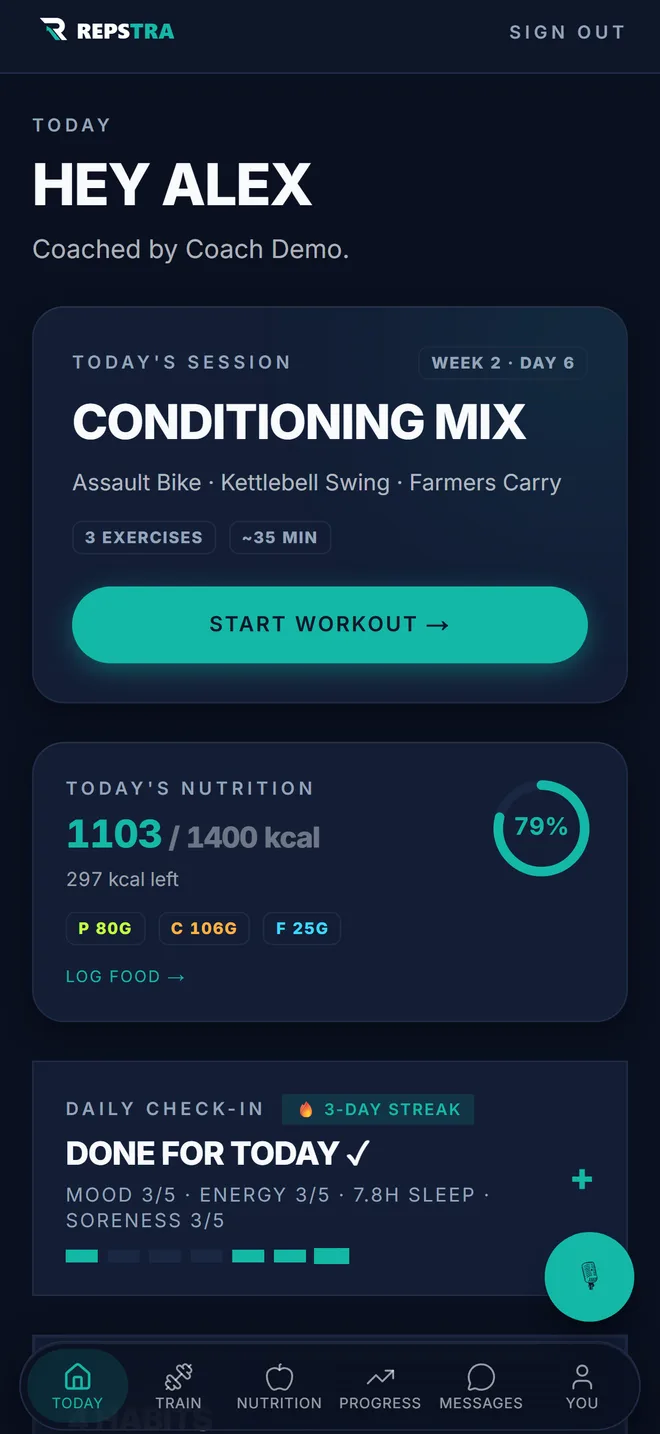
Your Today screen — the check-in is one tap away.