
The iPhone app is on the App Store; on Android, the web app is the app — same account, same programs, same logging, same coach. Installing it to your home screen takes three taps.
- 1
Open Repstra in Chrome
On your Android phone, open Chrome and go to repstra.com.au. Log in with the same email and password (or Google login) you signed up with — everything you or your coach have set up is already there.
- 2
Add it to your home screen
Tap the ⋮ menu in the top-right of Chrome, then Add to Home screen, then Add. Using Samsung Internet instead? It's Menu → Add page to → Home screen.
- 3
Open it like any app
That's it — the Repstra icon sits on your home screen and opens full-screen, no browser bar. Workouts, nutrition logging, daily check-ins, messages from your coach: all there.
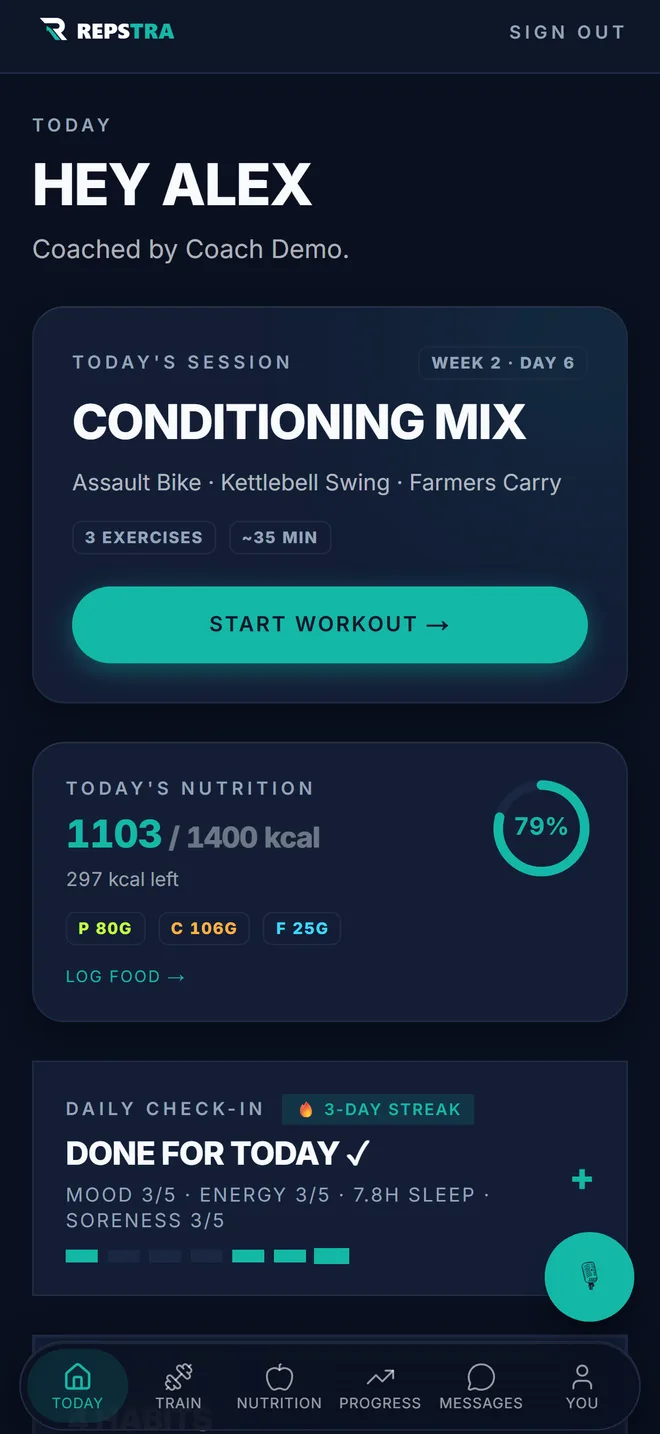
Today — your session, your macros and your check-in on one screen.
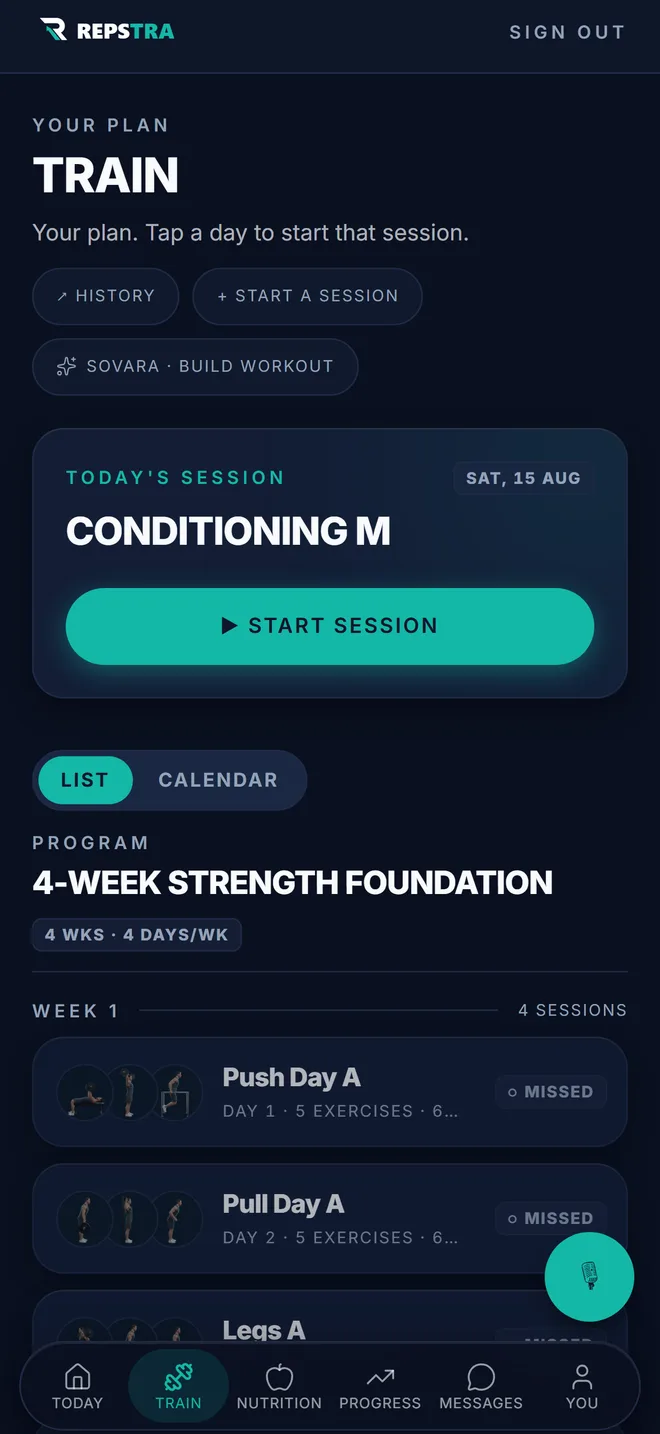
Train — the week your coach programmed, ready to start.