
There are two ways to add a client, and picking the right one saves you time. Mid-session and just need them on the books? Quick add. Sitting down to onboard someone properly? The onboarding wizard does profile, macros and program in a single pass.
- 1
Quick add — 30 seconds, from the roster
On Clients, click Quick add. The only required field is Full name. Add their email to generate an invite link, and their mobile if you want to text the invite. Optionally jot their goal. Click Add client.
- 2
Share the invite
If you gave an email, the modal flips to Share the invite: copy the link with Copy link, or hit Text the inviteto send it by SMS on the spot. Texting is the reliable route — invite emails can be slow or land in spam, especially on Outlook. The client taps the link, lands straight in the app, and they're connected to you.
- 3
Or run the full onboarding wizard
For a proper sit-down onboarding, head to the wizard (your roster's Add your first clientempty-state links there). It's three steps:
- Profile — name, age, experience, available equipment, optional 1RM lifts.
- Nutrition — set macros manually, or click Ask SOVARAto calculate them from the client's goal and weight. A live check tells you when they're balanced.
- Program — pick one of your programs (or Start from scratch), set the check-in cadence and start date, and tweak the welcome note.
Hit Onboard → and the client is created with their targets and program already assigned.
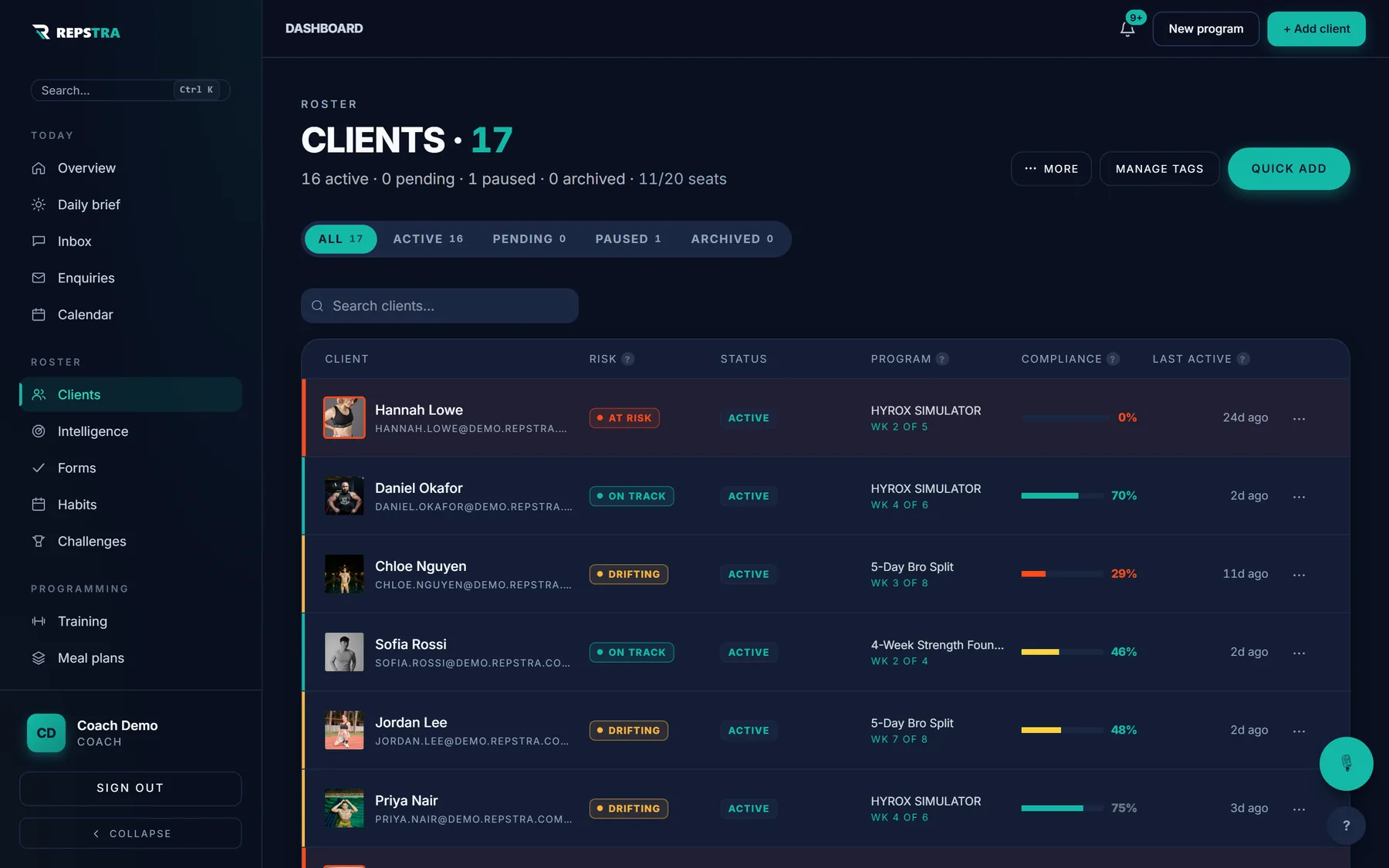
Your roster on /dashboard/clients — Quick add sits in the header.
Ten clients added the quick way costs you five minutes total — and every one of them is a seat that pays you back monthly.